Tools and providers
Part of A workflow-led method for assessing creator studio equipment
Creator studio equipment: four desktop tools and the jobs they fit
A dated, non-ranked shortlist of four desktop creator tools with checked versions, job fit and free or paid editions, plus a two-week trial method.
What to take away
- Match the tool to the unresolved jobOBS Studio 32.2.2 for capture, Audacity 4.0.0 for waveform work, DaVinci Resolve 21 for video finishing and Blender 4.5.13 LTS for 3D.
- If you can trial only one, pick Resolve 21 for video finishing and OBS for capture.
- OBS, Audacity and Blender carry no licence fee, and Resolve 21 is free apart from its paid Studio edition.
- Versions were checked on 6 September 2026, so recheck each first-party release page before you install.
Which tool fits which studio job
Job match beats feature count. A longer list of features does not help when the tool answers a problem you have already solved.
Best-fit job
- OBS Studio 32.2.2
- Recording and live production
- Audacity 4.0.0
- Bounded audio recording and waveform editing
- DaVinci Resolve 21
- Video editing, colour and delivery
- Blender 4.5.13 LTS
- 3D, animation and compositing
Licence cost
- OBS Studio 32.2.2
- None
- Audacity 4.0.0
- None
- DaVinci Resolve 21
- Free edition, paid Studio
- Blender 4.5.13 LTS
- None
Platforms
- OBS Studio 32.2.2
- Windows, macOS, Linux
- Audacity 4.0.0
- Windows, macOS, Linux
- DaVinci Resolve 21
- Windows, macOS, Linux
- Blender 4.5.13 LTS
- Windows, macOS, Linux
Where two jobs overlap, start with the one that blocks delivery. A studio that cannot export a finished file gains little from a better 3D render.
A supplier page establishes a version and a task, not an endorsement. Our note on advert disclosure and FCA boundaries explains why affiliate offers stay outside these criteria.
OBS Studio 32.2.2
OBS is the capture pick. The official download page listed 32.2.2 for Windows, macOS and supported Linux on the research date.
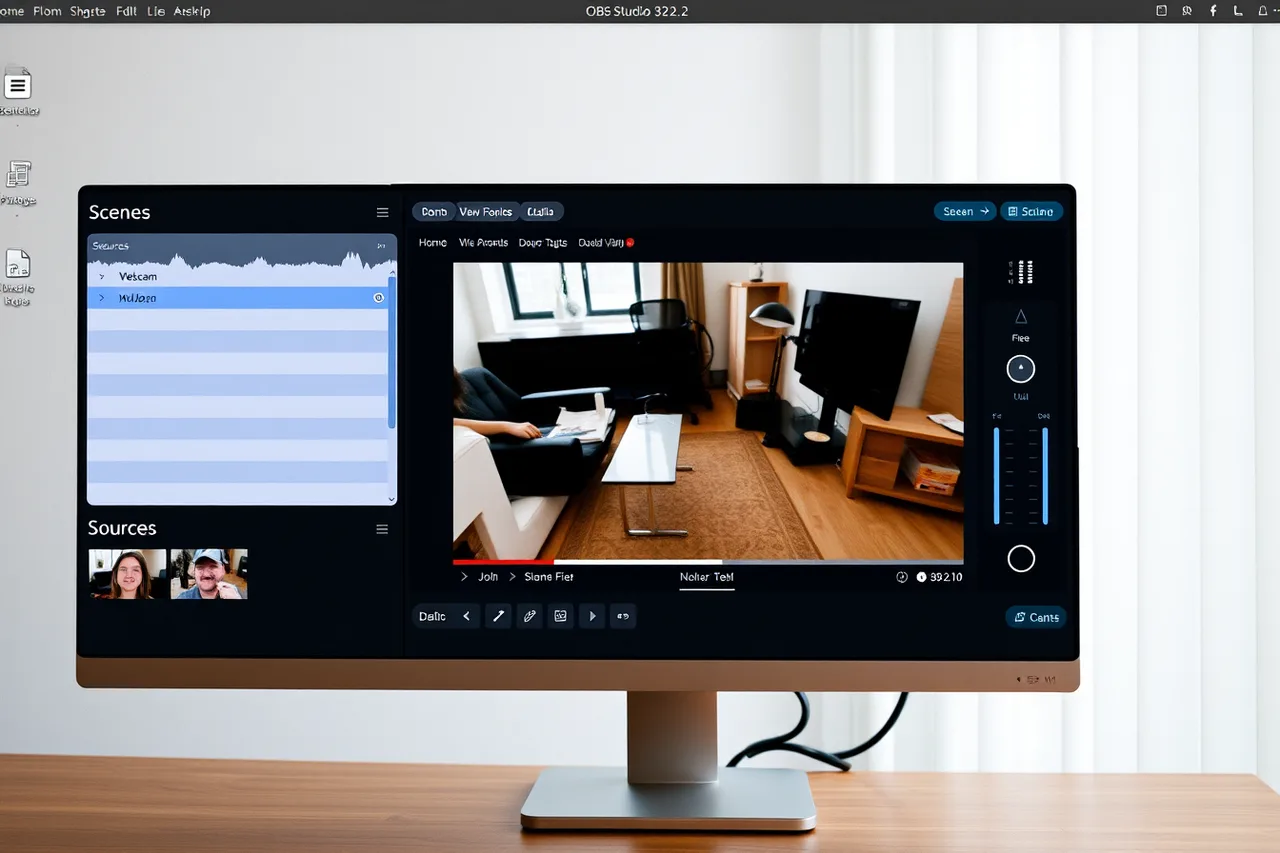
OBS's own requirements note warns that compatible hardware does not guarantee a clean recording of your chosen encoder, resolution and frame rate. Test those settings on the machine you will actually use.
Budget no licence fee, and add one audio interface for XLR microphones.
Audacity 4.0.0
Audacity's first-party record named 4.0.0 with Windows, macOS and Linux builds. Treat it as the waveform tool for a bounded job: one podcast episode, one voiceover pass or one repair.
Record the import and export formats, the effect chain and the recovery route before you install. Optional libraries and plug-ins are separate dependencies with their own sources and licences.
DaVinci Resolve 21
Blackmagic Design's page identified Resolve 21 and described work areas for editing, effects, colour, audio and delivery. Those stay supplier claims until you test them on your own footage.
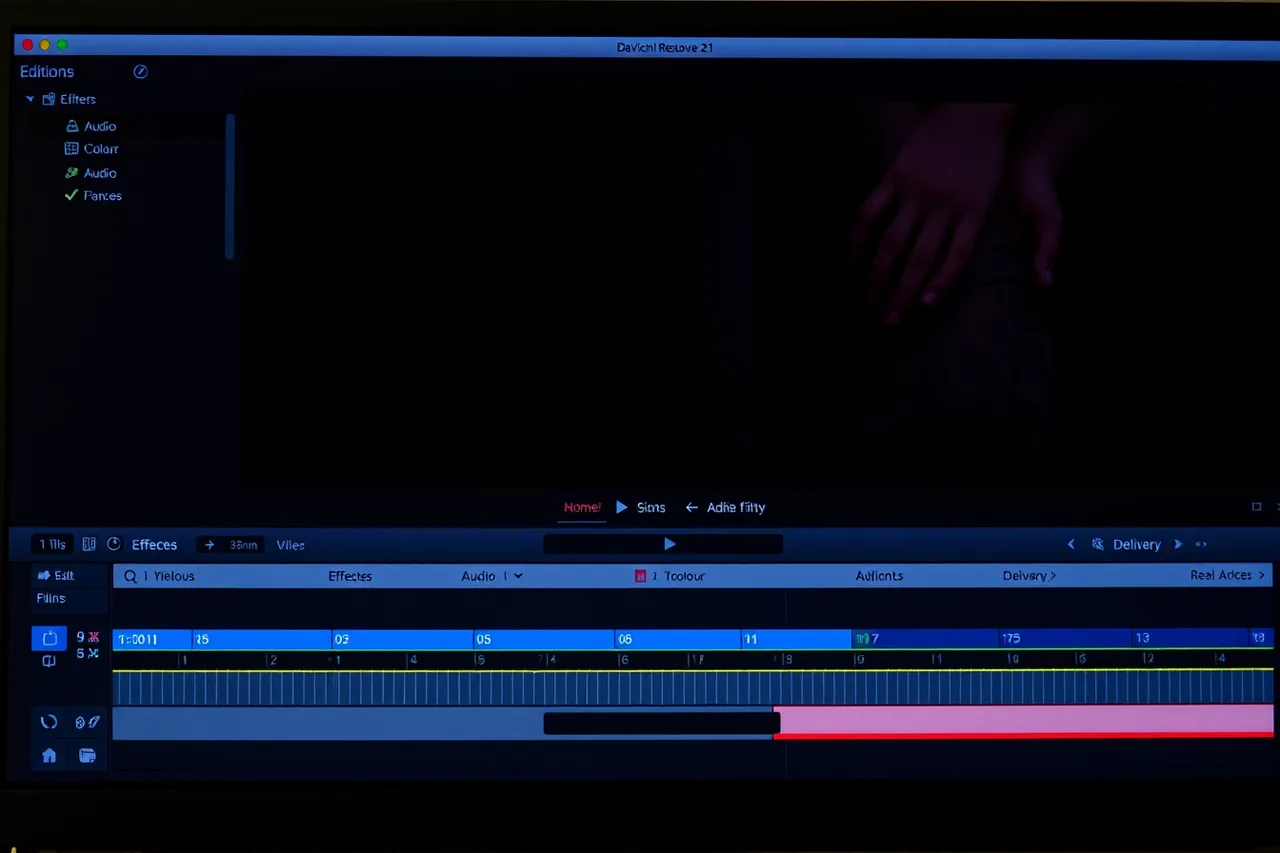
Supplier pages are not independent test results, a distinction our note on matching a benchmark to a population develops.
Choose the exact free or Studio edition before testing, because capabilities and terms differ between them.
If collaboration is excluded, switch off cloud functions during the trial. If you need them, map roles, footage locations, transfers and deletion first.
Blender 4.5.13 LTS
The Blender Foundation's LTS page recorded 4.5.13 LTS on 25 August 2026, with support for the 4.5 branch running to July 2027.
Freeze the build and approved extensions in your trial evidence, because add-ons are the usual source of version drift. Blender proves nothing about your files, hardware or assistive technology until each is tested.
Costs, licences and UK buying routes
Three of the four tools cost nothing: OBS, Audacity and Blender. Resolve's free edition is free too, so Resolve Studio is the only paid item here, priced by Blackmagic in GBP on its own page.
Download each tool from the project's own site. The file is identical worldwide, so a UK retailer adds nothing to a download.
VAT at the standard 20% rate applies to downloaded software bought by consumers. A VAT-registered business can normally reclaim it, so keep the invoice.
If the purchase sits inside a larger studio build, government-backed finance and support schemes may cover part of it.
For the cameras, microphones and lighting around this software, our England supplier check names four firms and what each stocks.
Example: a two-week trial on one machine
Two-week trial on one machine
- Write the unresolved job in one sentence, then name the single tool from the table that addresses it.
- Install the exact version on one authorised machine and freeze the build and its extensions.
- Run the same file through your current setup in parallel, recording completion time and output conformance.
- Give every gate a pass, fail or unresolved field, covering input, output, access, licence and export.
- Rehearse the rollback, then recheck the release page before you commit.
Rights in the footage and audio you produce sit with you or your client under the Copyright, Designs and Patents Act 1988.
Common questions
Which version should I install today?
OBS Studio 32.2.2, Audacity 4.0.0, DaVinci Resolve 21 and Blender 4.5.13 LTS were current on 6 September 2026. Check each project's own release page before installing.
Do I need to buy anything?
Only if you choose Resolve Studio. OBS, Audacity and Blender are free, and Resolve's free edition covers most single-operator editing.
What hardware does each tool need?
All four have current 64-bit Windows, macOS and Linux builds. OBS leans hardest on graphics for encoding, and its requirements note says compatible hardware does not guarantee your chosen settings.
Is this a ranked best-of list?
No. It is a dated, job-matched shortlist of four desktop releases, with your current setup as the fifth option.